
Shutdown and cable map
Workstations, conference rooms, racks, printers, and shared devices are mapped before equipment leaves the old space.
Disconnect & Reconnect
A separate workflow for shutdown, cable mapping, device placement, first-boot checks, and IT-team handoff after the equipment move.
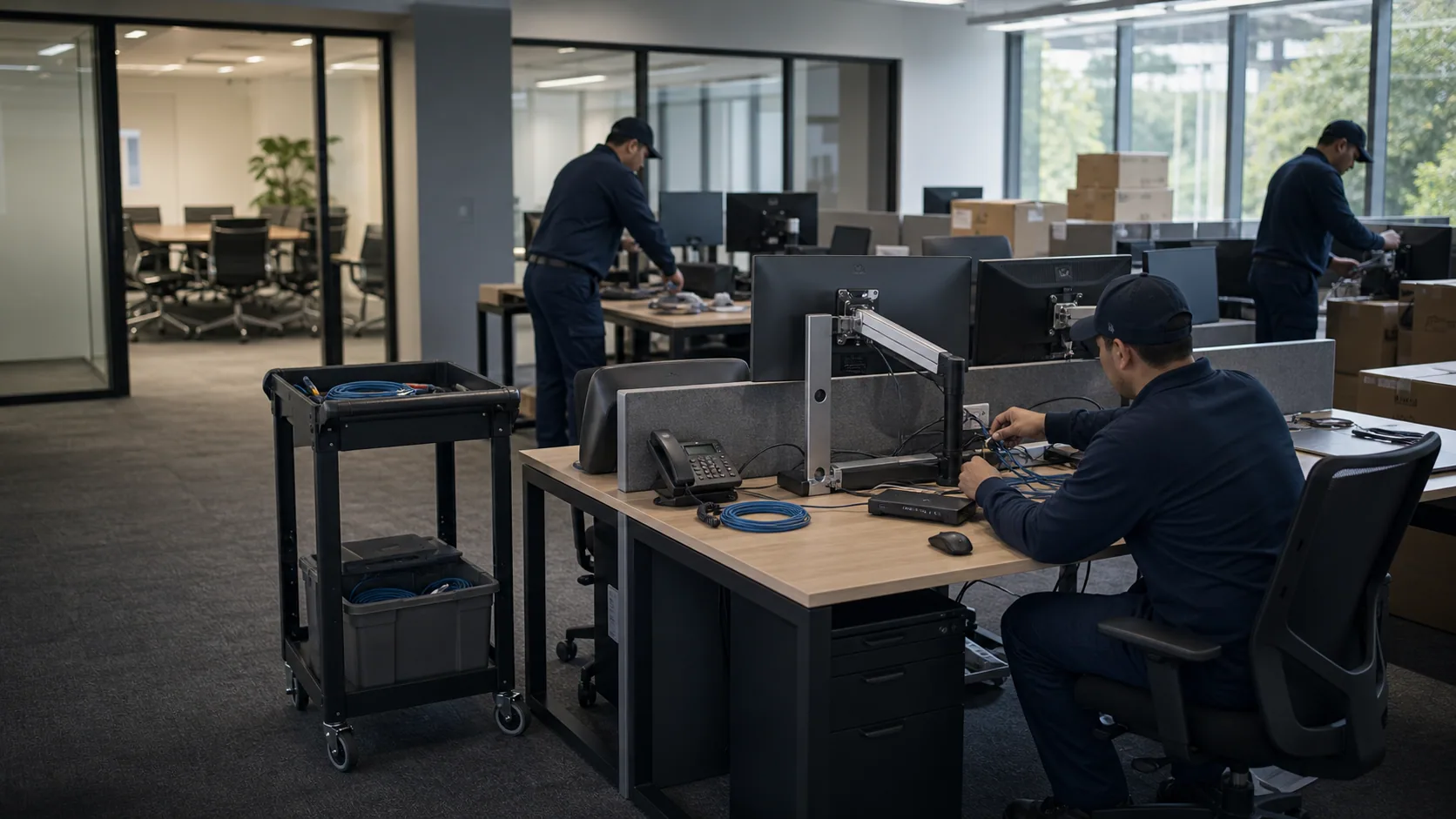
Workspace
Instead of presenting reconnect as another moving list, the work is organized around stations, exceptions, test status, and IT ownership.
The reconnect work is organized around cable maps, destination labels, first-boot checks, and the client IT handoff.
Workstations, conference rooms, racks, printers, and shared devices are mapped before equipment leaves the old space.
Devices are placed by destination label so reconnect work starts from organized stations instead of mixed equipment piles.
Power, screens, peripherals, network notes, and exceptions are checked with the client IT team.
Sequence
The reconnect path has its own order because each step depends on the cable map and destination plan.
Capture workstation rules, cable references, rack notes, priority users, and rooms that need early restart.

Match devices to destination labels, place peripherals, isolate exceptions, and prepare areas for testing.
Review power, monitors, docks, printers, AV rooms, and network handoff items with the client IT team.
Controls
These decisions should be clear before move day so disconnect, placement, and first-boot checks do not compete with the physical move.
Workstation disconnect and reconnect, Server rack breakdown and reinstallation, Cable labeling and reconfiguration, Equipment testing after setup, Coordination with the client IT team.
7 days a week: 8:00 AM - 8:00 PM, After-hours moves by request, Night and weekend moves, Emergency and last-minute moves.
On-site notes, exceptions, and unresolved testing items are handed to the internal IT owner before the crew closes the phase.
Quote
Open the contact form to send locations, timing, equipment, and access notes.